
Safety Door and Light Curtain Review Guidelines
Review safety door and light curtain conditions before production or support requests, with focus on guarded areas, operator loading, alarms, and safe evidence.
2026-07-12 - 5 min support note - Category: Safety Guidelines
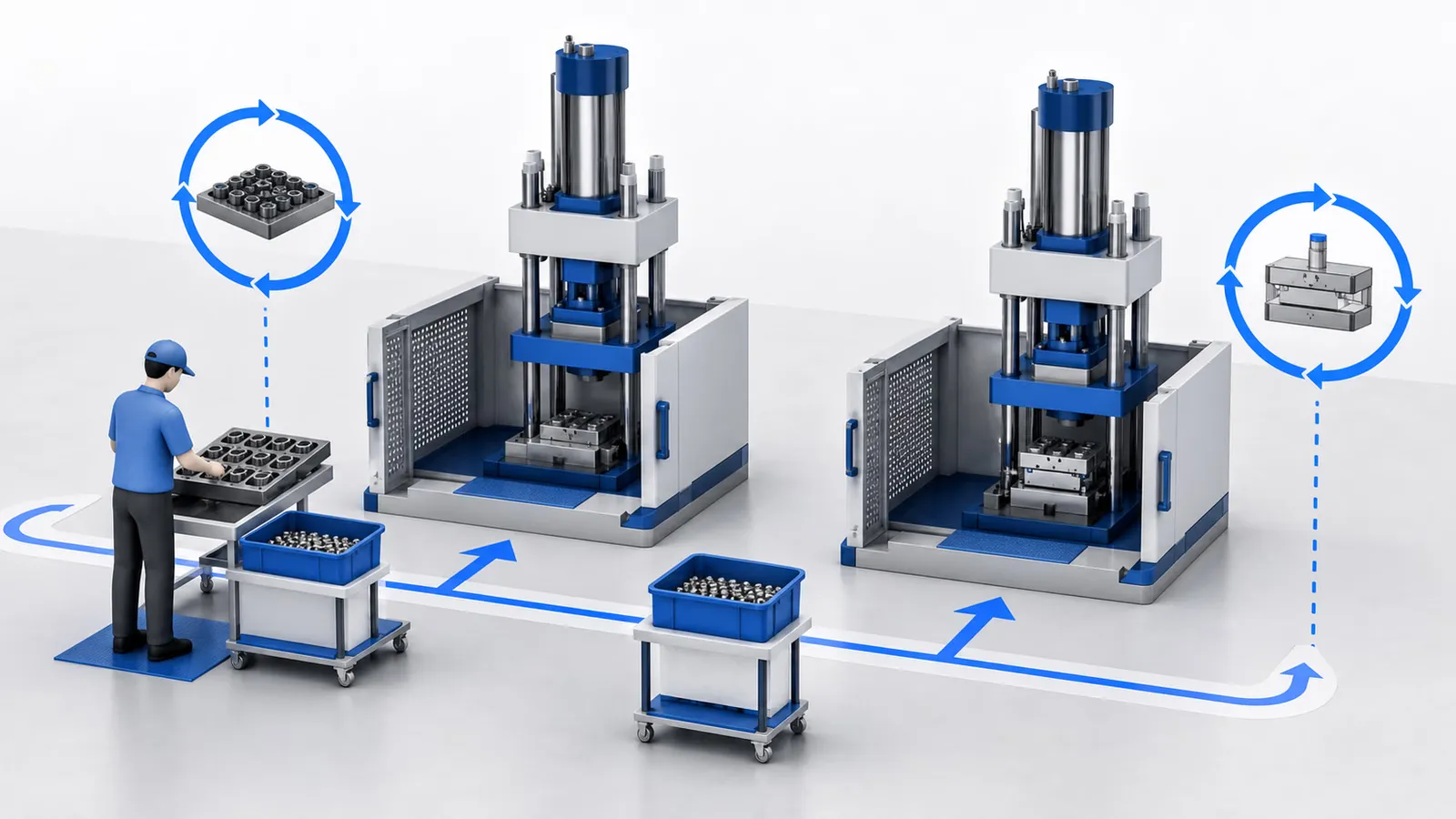
Safety doors, light curtains, and guards define the boundary between the operator and moving machine areas. They are especially important for vertical injection molding work where inserts, cables, substrates, or parts may be loaded near the mold area.
This guideline helps teams review visible conditions and prepare support information. It does not replace the machine manual or site safety procedure.
Before Production Starts
Check from a safe position:
- Safety doors and guards are in normal visible condition.
- Light curtain area is clear of tools, products, packaging, or fixtures that should not be there.
- Operator loading position is clear and repeatable.
- Emergency stop devices are accessible.
- Controller does not show unresolved safety-related alarms.
- Robots or auxiliary devices are in the expected state if used.
If anything looks uncertain, stop and ask the responsible person to review.
During Insert Loading Work
Manual insert loading can create repeated interaction between the operator and the machine. The work should be organized so hands, tools, inserts, and finished parts have clear positions outside moving areas.
Record whether the safety interruption appears:
- Before the operator loads inserts.
- During loading.
- During mold closing.
- During table or slide movement.
- During part removal.
This timing helps support understand whether the issue is related to operator workflow, sensor condition, machine sequence, or auxiliary equipment.
Evidence for Support
Send:
- Controller alarm screenshot.
- Safe photo of the loading area.
- Safe photo of guard or light curtain area.
- Short description of the exact cycle step.
- Recent mold, fixture, or workflow change.
Photos should be taken only when the machine is safe. Do not enter guarded areas for better photos.
Related Reading
Related Reading
FAQ
Support review questions
Can production continue if a safety device appears unreliable?
Need help reviewing this machine condition?
Send the machine model, controller screenshots, current mold or product, recent changes, and safe photos or video. Deboge can review the information and suggest the next support step.