
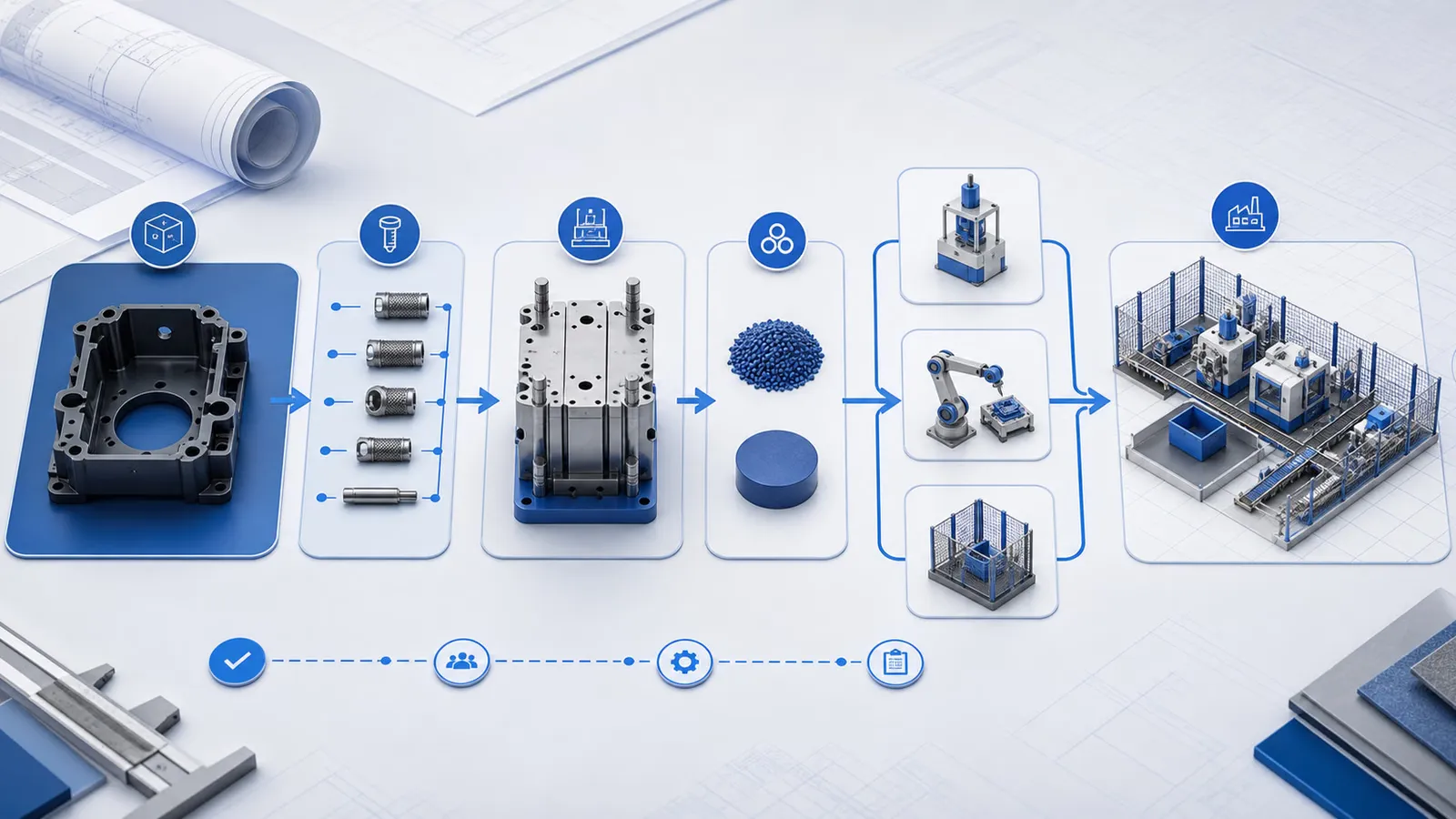
Save and Recall a Mold Program: Support Checklist
Use this checklist to manage mold program records, confirm the selected program, and prepare support information before changing or recalling controller settings.
2026-07-12 - 5 min support note - Category: Controller Settings
Mold programs help production teams return to a known setup for a product. The risk is that a wrong program, unclear program name, or undocumented change can create avoidable setup time. A simple record process makes support conversations clearer when a machine does not behave like the last stable run.
This article explains what to record before saving or recalling a program. It does not replace the controller manual or site operation procedure.
Before Saving a Program
Confirm that the current setup is actually the version your team wants to preserve. A program should not be saved as the reference point if the machine is still under trial, if alarms are unresolved, or if the first-cycle observation has not been completed.
Record:
- Machine model and mold number.
- Product name or internal part number.
- Program name or number.
- Material and insert or substrate used during the run.
- Operator or engineer who confirmed the setting.
- Date and production condition when the program was saved.
- Notes about auxiliary equipment, robot interface, table setup, or special loading method.
If your site allows recording previous and updated values, include the changed setting group and reason. This helps later teams understand why the program exists.
Before Recalling a Program
Program recall should be matched with the actual mold, product, material, and loading workflow on the machine. Do not rely only on a familiar program name.
Check:
- The mold on the machine matches the program record.
- The machine table or slide configuration matches the stored setup.
- Inserts, cables, substrates, or other loaded parts match the production order.
- Auxiliary equipment is connected in the same way as the stored setup.
- Safety devices and guarded areas are in normal condition.
After recall, the first cycle should be observed from a safe position. Watch for abnormal movement, unexpected stops, insert shift, part sticking, short shot, or flash before continuing production.
When Support Needs the Program Record
Send the program name, the last stable production date, and the point where the current run differs from the previous run. If the issue began after a mold change, material change, maintenance activity, or controller adjustment, include that timeline.
Support does not need guesswork first. It needs a clean history of what changed.
Related Reading
Related Reading
FAQ
Support review questions
Does this article give exact controller button steps?
Need help reviewing this machine condition?
Send the machine model, controller screenshots, current mold or product, recent changes, and safe photos or video. Deboge can review the information and suggest the next support step.